
Key facts
Start here
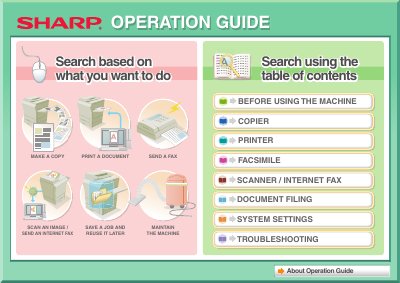
Sharp MX-4100N/4101N/5001N Digital Full Color Multifunctional System Operation Guide
This manual serves as the operation guide for the Sharp Digital Full Color Multifunctional System models MX-4100N, MX-4101N, and MX-5001N. It provides instructions on how to perform various tasks including making copies, printing documents, sending faxes (including Internet Fax), scanning images, and filing documents.
Read onlineAll Sharp MX-4100N documents by type
Day-to-day operation, settings and troubleshooting. Start here if the product is already set up.
Questions answered in these manuals
What is this manual used for?
This manual explains how to install and configure the software that allows the machine to be used as a printer or scanner for a computer.
Which operating system versions are covered in this guide?
The explanations of screens and procedures are primarily for Windows Vista® in Windows® environments, and Mac OS X v10.4 in Macintosh environments.
What is the wavelength of the laser in this machine?
The wave length is 790 nm +/- 10 nm.
How many people are recommended to move the machine?
It is recommended that the machine be moved by four or more persons to prevent injury.
What models does this manual cover?
This guide covers the MX-4100N, MX-4101N, and MX-5001N Digital Full Color Multifunctional Systems.
From: Sharp MX-4100N/4101N/5001N Digital Full Color Multifunctional System Operation Guide
What should I do if smudges appear on printed output?
Check if you are using paper within specifications or pre-punched paper that overlaps the image. Use SHARP-recommended paper.
From: Sharp MX-4100N/4101N/5001N Digital Full Color Multifunctional System Operation Guide