
Key facts
Start here
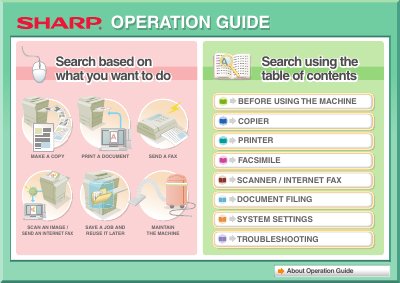
Sharp MX-2600N/3100N Copier Printer Fax Scanner User Guide
The document serves as a comprehensive operation guide for the Sharp MX-2600N and 3100N series. It details how to perform core functions such as making copies, printing documents from a computer, sending faxes, and scanning images. The guide also explains advanced features like assembling outputs into pamphlets, adding text or stamps, and using special media.
Read onlineAll Sharp MX-2600N documents by type
Day-to-day operation, settings and troubleshooting. Start here if the product is already set up.
Questions answered in these manuals
What format must a USB memory stick be formatted to?
The USB memory must be formatted as FAT32.
From: Sharp MX-2600N/3100N Copier Printer Fax Scanner User Guide
What is the maximum capacity for a compatible USB memory?
The machine supports USB memories with a capacity of 32 GB or less.
From: Sharp MX-2600N/3100N Copier Printer Fax Scanner User Guide
How can I check the printer's IP address?
Print the IP address list from the machine’s system menu.
What software is needed to view the PDF manuals?
Adobe Reader (or Acrobat Reader) is required to open the PDF manuals.