
Key facts
Start here
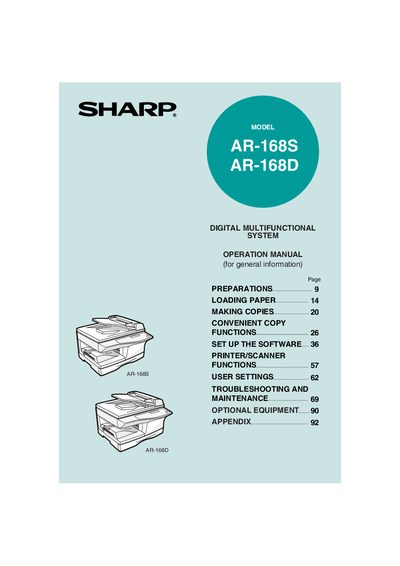
Sharp AR-168S/AR-168D Operation Manual
This manual provides detailed instructions for preparing, loading paper, making copies, and using the optional convenience functions of the Sharp AR-168S/AR-168D digital multifunctional copier. It also includes software installation, printer/scanner operation, user settings, troubleshooting, and optional equipment information.
Safety, warranty, environmental, and regulatory information are included, along with specifications and appendices for service and compliance. The guide is intended for end‑users and authorized service personnel in the United States and Canada.
All Sharp AR-168D documents by type
Day-to-day operation, settings and troubleshooting. Start here if the product is already set up.
Questions answered in these manuals
What warranty does Sharp provide for the AR-168 copier?
Sharp does not extend a warranty directly; the warranty is provided by the authorized dealer from which the product was purchased.
Is the AR-168 compatible with USB 2.0?
Yes, the copier is USB 2.0 compatible and users should read the system requirements for Hi‑Speed mode before connecting.