
This document is an operation manual for a digital multifunctional system, providing information on preparations, loading paper, making copies, setting up the software, printer/scanner functions, user settings, troubleshooting, and maintenance. It also introduces convenient copy functions and optional equipment. Users are reminded not to make copies of items prohibited by law and to record and retain the copier's serial number for protection against loss. Finally, users are advised to inquire about the warranty provided by the authorized Sharp dealer.
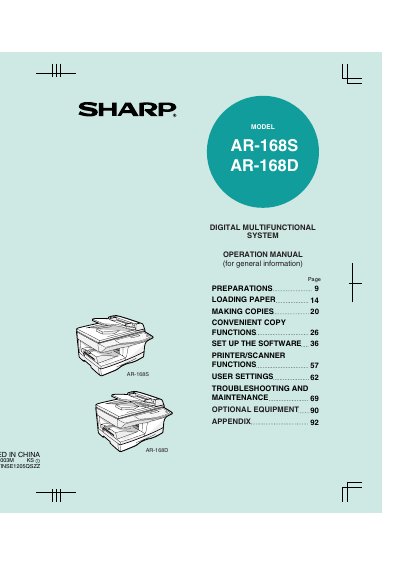
This document serves as the operation manual for the Sharp AR-168S and AR-168D Digital Multifunctional Systems. It explains how to use the machine as a copier, printer, and scanner, including software setup for computer connectivity. The guide covers basic preparations, loading paper, and making copies with various functions like zoom and automatic two-sided copying (for the AR-168D model).
| Product Type | Digital Multifunctional System |
|---|---|
| Models Covered | AR-168S, AR-168D |
| Safety Class | Class 1 |
This manual covers the AR-168S and AR-168D models.
Yes, the AR-168D model includes the automatic two-sided copying function.
You should allow 8 inches (20cm) of space around the machine for servicing and proper ventilation.