
This document is a user guide for the ITP-5112L IP Keyset, which provides information on setting up the keyset and using features such as making outside calls and intercom calls.
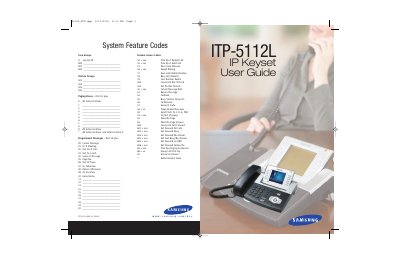
This guide covers Samsung's OfficeServ ITP-5112L IP keyset, a network‑enabled telephone with a large LCD color screen. It explains the keyset’s hardware layout, default settings, and how to configure network parameters for voice and data communication.
The manual is organized into sections on assembling the keyset, initializing the device, navigating menus, handling outside and intercom calls, call processing, dialing features, paging, messaging, and various convenience functions such as Do Not Disturb, background music, and custom key assignments. Feature access codes and personal speed‑dial numbers are listed at the end of the document.
| Product type | IP keyset |
|---|---|
| Display | Large LCD color screen |
The ITP-5112L is part of the OfficeServ 100, OfficeServ 500, and OfficeServ 7000 Series.
Use the "Making an Outside Call" section, which describes dialing from the outgoing/incoming menu and selecting the most recent number.