
This manual will guide you through using the camera, including capturing images, downloading images and using the software applications. Please read this manual carefully before using your new camera.
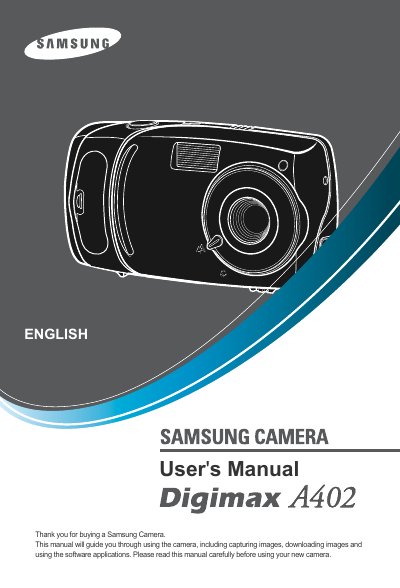
This manual provides step‑by‑step instructions for installing the camera driver, connecting the camera via USB, and using the on‑board controls. It covers basic functions such as taking still images, recording video clips, and using voice memo features.
Additional sections describe menu navigation, LCD monitor adjustments, memory‑card handling, battery maintenance, and software setup for Windows and Mac. A detailed specifications table and a FAQ section help resolve common connection and file‑transfer issues.
| Effective Pixels | Approx. 4.0 Mega‑pixel |
|---|---|
| Lens focal length | 5.8 mm (35 mm equivalent) |
| ISO Equivalent | Auto, 100, 200, 400 |
| Primary Battery | 2 × AA alkaline, Lithium, Ni‑Mn, Ni‑Zn, 1 × CR‑V3 |
| Dimensions (W×H×D) | 96.5 × 52.5 × 30.5 mm |
| Weight | Approx. 90 g (without batteries and card) |
| Internal Memory | 16 MB flash |
| External Memory | SD / MMC card up to 512 MB |
Turn the camera power off and on again, then retry the file transfer.