
This document is an instruction manual for the Chinese Digimax Cyber 400 camera. The camera features different shooting modes with varying resolutions such as 4M, 3M, 2M, and 1M, as well as support for different frame rates. Additionally, the camera offers various image size options including 2272x1704, 2048x1536, 1600x1200, and 640x480. The document also includes some operating instructions and menu options.
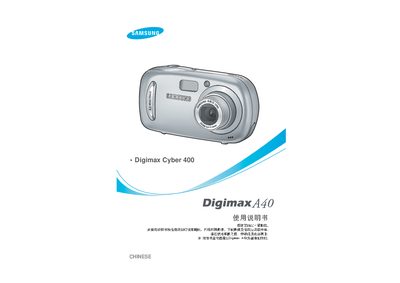
This manual guides you through the basic setup and use of the Digimax A40, including how to install drivers, connect via USB, and operate shooting modes. It also covers safety warnings such as avoiding flash exposure to eyes, handling batteries properly, and preventing fire or electric shock.
Additional sections describe accessories, battery types, compatible memory cards, software installation, printing commands, and contact information for Samsung service centers worldwide. This manual is written in Chinese.
| Battery type | CR‑V3 rechargeable, AA |
|---|
Use the supplied USB cable and install the camera driver from the CD‑ROM before connecting the camera to the PC.
Remove the battery immediately; a leaking battery can damage camera components and should not be used.
Do not use the flash close to people or animals' eyes, and avoid covering the flash to prevent injury.