
Key facts
- Brand
- Samsung
- Model
- CS34A10
- Category
- Television
- Industry
- Appliances
- Documents
- 3
- Languages
- EN · ZH
- Last added
- 2012-03-16
Start here
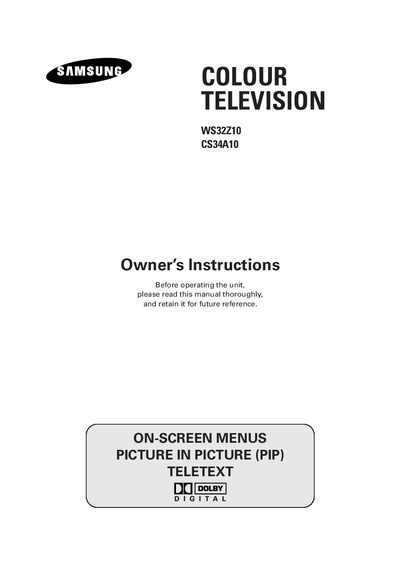
Samsung WS32Z10/CS34A10 Color Television User Manual
This manual provides safety guidelines, connection instructions, and detailed operating procedures for the Samsung WS32Z10/CS34A10 colour television. It covers everything from initial setup and remote‑control functions to picture and sound adjustments, DVR and Teletext features, and after‑sales service information.
The document also includes specifications such as supported video formats, audio input options, and voltage/frequency requirements, helping users ensure proper installation and optimal performance of the TV.
Samsung CS34A10 specifications
| Voltage and Frequency | 50 or 60 Hz |
|---|---|
| Component Input Formats | 480i, 480p, 576p, 1080i‑60Hz |
| Audio Input | Right (R) and Left (L) |
| Video Input | Standard video input connector |
Source: Samsung WS32Z10/CS34A10 Color Television User Manual
All Samsung CS34A10 documents by type
Day-to-day operation, settings and troubleshooting. Start here if the product is already set up.
Questions answered in these manuals
How should I clean the TV?
Use a soft and dry cloth that does not contain volatile matter when cleaning the TV.
What should I do during a storm?
Unplug the television from the mains socket and aerial during storm conditions, especially when there is lightning.
What should I do if the TV shows a warning sign or I suspect a fault?
Do not attempt to open the TV; contact a professional service technician or the retailer for assistance.
From: Samsung CS29A10 / WS32A10 / CS34A10 Color Television User Manual
How do I connect the antenna to the TV?
Connect the antenna cable to the antenna input socket on the TV, then adjust the antenna for a clear picture.
From: Samsung CS29A10 / WS32A10 / CS34A10 Color Television User Manual