
This document is the instruction manual for SyncMaster 730BA/930BA displays, which introduces the various functions and use methods of the displays.
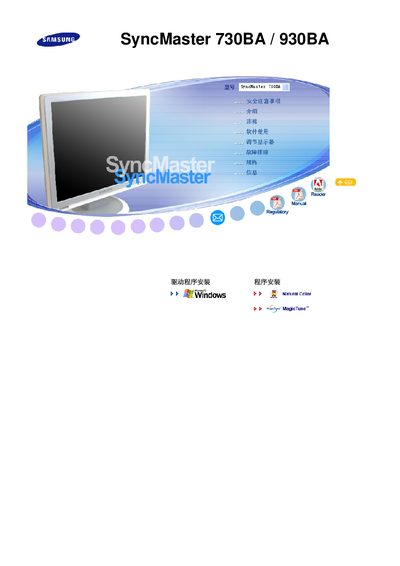
This user manual covers the Samsung SyncMaster 730BA and 930BA LCD monitors. It provides safety symbols and precautions, installation guidance, cleaning instructions, and other usage notes for the monitors.
The document also includes product information on avoiding image retention, warranty terms, and technical specifications for both models. This manual is written in Chinese.
| Best Resolution | 1280 x 1024@60 Hz |
|---|---|
| Max Resolution | 1280 x 1024@75 Hz |
| Horizontal Sync | 30 ~ 81 kHz |
| Vertical Sync | 56 ~ 75 Hz |
| Display Colors | 16.2 M colors |
| Power Consumption | AC 100 - 240 V~ 50/60 Hz 0.7 A |
| Input Signal | RGB analog and DVI-matched Digital RGB, 0.7 Vp-p ± 5%, TTL |
The best resolution is 1280 x 1024@60 Hz.
Unplug the power cord before cleaning the product.
No, the warranty does not include any damage caused by image retention.
Keep a distance of more than 10 cm (4 inches) from the wall for ventilation.