
This manual provides installation, operation, image optimization, and troubleshooting instructions for the Philips Brilliance 7000 27B1U7903 monitor.
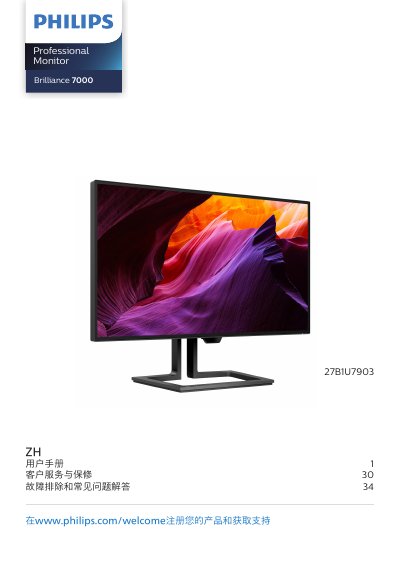
This user manual covers the setup and operation of the Philips Brilliance 7000 27B1U7903 professional monitor. It includes instructions for installing the stand, connecting various cables including Thunderbolt 4, HDMI, and USB-C, and powering on the device. The guide also details how to use the MultiView feature and connect the monitor to a PC. This manual is written in Chinese.
| Product Type | Professional Monitor |
|---|---|
| Model Number | 27B1U7903 |
| Operating Temperature (SDR) | 0-40°C (32-104°F) |
No, it must be disposed of through a designated waste electrical and electronic equipment collection.