
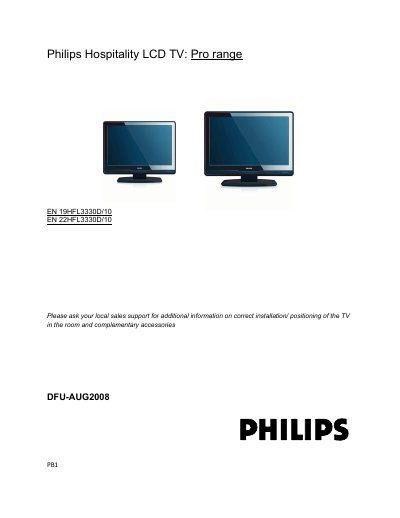
This manual explains the Professional Business Solutions (PBS) mode for Philips Hospitality LCD TV models 19HFL3330D/10 and 22HFL3330D/10. It guides hotel installers through initial setup, remote‑control configuration, and how to activate PBS mode for guest use.
The document also details cloning of TV settings via USB Smartloader, wiring connections, display and control settings, and practical hints for positioning and maintenance of the TV in a hospitality environment.
| Video formats | 480i 60 Hz, 480p 60 Hz, 576i 50 Hz, 576p 50 Hz, 720p 50/60 Hz, 1080i 50/60 Hz, 1080p 50/60 Hz (HDMI only) |
|---|---|
| Power supply | AC 100‑240 V (±10%) |
| USB memory stick requirement for Smartloader | 128 MB USB stick with at least 10 MB free space |
Open the PBS setup menu and select ON for PBS MODE.
Press the RC2573 MENU key in SETUP mode or the guest RC sequence “319753” within 10 seconds.