
This manual provides detailed instructions on how to use the Panasonic KX-P8410 Color Laser Printer.
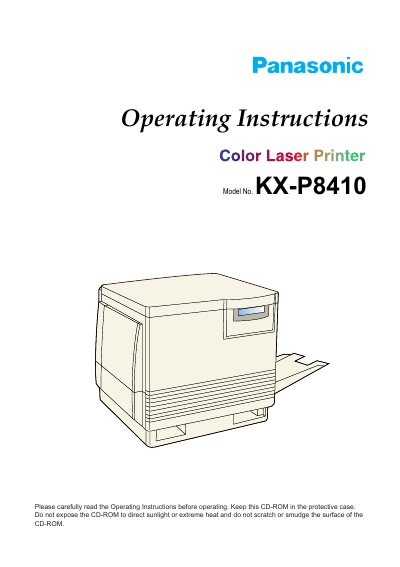
This manual provides operating instructions for the Panasonic KX-P8410 Color Laser Printer. It includes safety guidelines, system requirements, and detailed steps for unpacking, setting up the printer, and connecting it to a computer via parallel or SCSI interfaces. The guide covers installation of printer drivers for Windows 3.1, Windows 95, and Windows NT 4.0, as well as software utilities and font management.
| Product Type | Color Laser Printer |
|---|
The serial number is located on the label on the rear of the unit.
End user technical support is operational during East Coast business hours from 9:00 AM to 7:00 PM.
Panasonic warrants the storage media is free from defect within ninety (90) days of receipt.