
Panasonic KX-P8410 Color Laser Printer Operating Instructions

This is a user manual for Panasonic KX-P8410 Color Laser Printer.
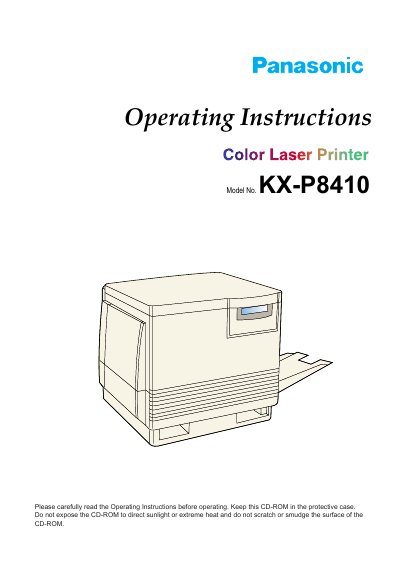

Panasonic KX-P8410 Color Laser Printer Operating Instructions - cover page
Brand
Panasonic
Category
Printer
Document type
User Manual
Language
English
Pages
175
File format
PDF
File size
1.7 MB
Published
08 August, 2012
Updated
30 September, 2023
MD5 checksum
9C433624A6D386A793AD644EB19E547E

About this manual

This document provides operating instructions for the Panasonic KX-P8410 Color Laser Printer. It includes safety guidelines, system requirements, and detailed steps for unpacking, setting up the printer, connecting it to a computer via parallel or SCSI interfaces, and installing the necessary software drivers for Windows 3.1, 95, and NT 4.0.

What's inside

  • For Your Safety
  • System Requirements
  • Setting Up the Printer
  • Loading Media
  • Connecting the Printer to a Computer
  • Installing the KX-P8410 Software
  • Menu Mode
  • User Replaceable Components
  • Troubleshooting
  • Specifications

Frequently asked questions

Where is the serial number located on the printer?

The serial number is located on the label on the rear of the unit.

What is the operating hours for end user technical support?

The end user technical support telephone number is operational during East Coast business hours from 9:00 AM to 7:00 PM.

How many days does the warranty on the software storage media last?

Panasonic warrants the storage media is free from defect within ninety (90) days of receipt.

Download PDF (1.7 MB)

More Panasonic Manuals


View all Panasonic manuals →