
This document provides instructions for operating the scanner, including installation and usage. The scanner features superior paper feeding capability, accommodating a wide range of paper weights. It also supports high-speed double-sided scanning and has a stapled document detection function to prevent damage.
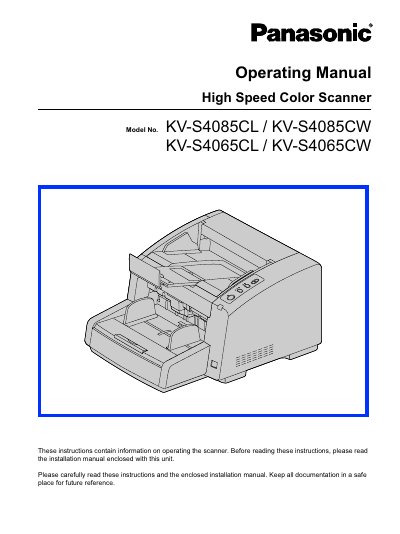
This document serves as the operating manual for the Panasonic KV-S4085CW High Speed Color Scanner. It provides instructions on using the scanner's features, including its advanced paper feeding mechanism capable of handling paper weights from 20 g/m² to 209 g/m². The manual details how to operate the control panel, manage paper paths, and perform high-speed double-sided scanning at up to 160 images per minute.
| Single-sided scanning speed | 80 pages/minute |
|---|---|
| Double-sided scanning speed | 160 images/minute |
| Interface | USB 2.0 |
| Memory requirement | 1 GB or higher |
The scanner can scan double-sided documents at 160 images per minute.
Yes, it has a stapled document detection function to stop scanning before damage occurs.
The scanner supports paper weights ranging from 20 g/m² to 209 g/m².