
Detailed explanations of all the functions for getting the most out of your camera
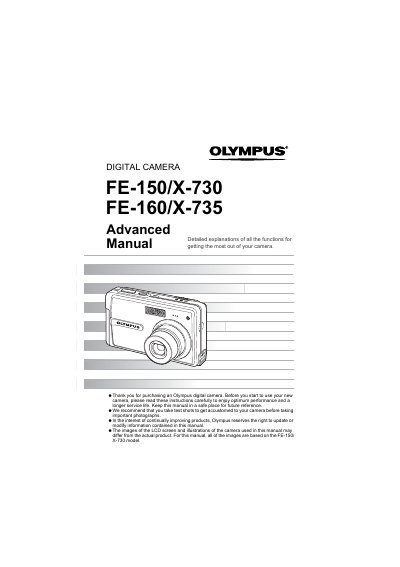
This manual provides detailed explanations of all functions for the Olympus FE-150/X-730 and FE-160/X-735 digital cameras to help users get the most out of their device. It covers basic button operations such as turning the camera on/off, shooting still pictures and movies, and switching between modes.
Charge the battery with the charger, or remove and warm it by putting it in your pocket for a while.
Set the mode switch to shooting mode, lightly press the shutter button halfway until the green lamp lights, then compose your picture.
Set the mode switch to movie mode and press the shutter button fully to start, then press it again to stop.