
This is a user manual for Olympus FE-150/X-730 digital camera
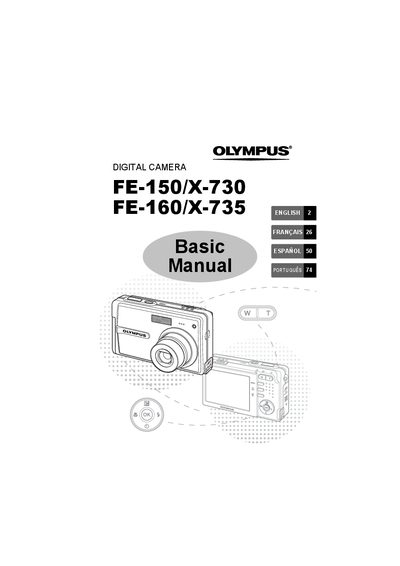
This manual provides basic operation instructions for the Olympus FE-150/X-730 and FE-160/X-735 digital cameras. It covers essential steps such as getting started with battery installation and date setting, taking pictures using zoom and focus functions, and reviewing or erasing images on the monitor.
The guide also details how to connect the camera to a computer for image transfer using OLYMPUS Master software or direct printing via PictBridge. It includes information on menu settings, safety precautions, and a list of included items.
The box contains a U-42B Lithium Ion Battery, OLYMPUS Master Software CD-ROM, L-40C Battery Charger, USB Cable, and AY Cable.
The recommended charging time is approximately 300 minutes.
Yes, if you press and hold the Zoom button, an object can be zoomed in up to 4x.