
OLYMPUS FE-150/X-730 FE-160/X735digital camera Manual

This manual provides detailed instructions on how to use all the functions of the Olympus digital cameras FE-150/X-730 and FE-160/X-735.
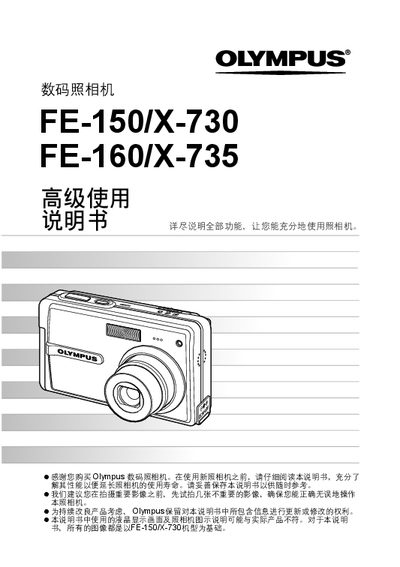

OLYMPUS FE-150/X-730 FE-160/X735digital camera Manual - cover page
Brand
Olympus
Category
Digital cameras
Document type
User Manual
Language
Chinese
Pages
73
File format
PDF
File size
6.3 MB
Published
15 October, 2011
Updated
29 September, 2023
MD5 checksum
043D6A6A6270E96814E9C5CC470DE83A

About this manual

This manual provides detailed instructions for using the Olympus FE-150/X-730 digital camera. It explains button functions, shooting modes, menu navigation, image quality settings, and how to connect the camera to a computer via Olympus Master.

The guide also includes maintenance tips, battery information, and an index of all functions, helping users get the most out of their camera and preserve its longevity. This manual is written in Chinese.

What's inside

  • Power button operation
  • Shutter button and shooting
  • Mode switch (shooting / playback)
  • Menu navigation
  • Zoom (optical and digital)
  • Image quality settings
  • PictBridge direct printing
  • Olympus Master software connection
  • Battery and charger
  • Camera maintenance and safety

Specifications

Maximum image resolution2560 × 1920

Frequently asked questions

How do I turn the camera on and off?

Press the POWER button to turn the camera on or off.

How can I switch between shooting mode and playback mode?

Use the mode switch to select K for shooting or n for playback.

How do I zoom in while shooting?

Turn the zoom knob; the optical zoom range is up to 3× and digital zoom up to 4×.

How can I print photos directly from the camera?

Use the PictBridge function (direct printing) via the < button.

Download PDF (6.3 MB)

More Olympus Manuals


View all Olympus manuals →