
Olympus VH-210 Digital Camera Instruction Manual

This is an instruction manual for Olympus VH-210 digital camera.
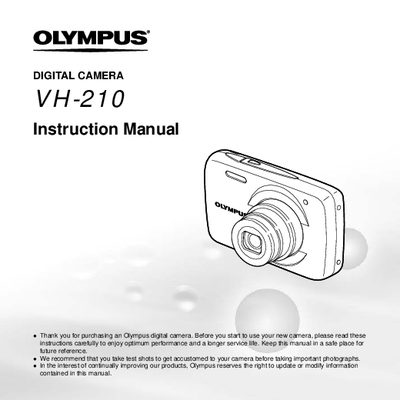

Olympus VH-210 Digital Camera Instruction Manual - cover page
Brand
Olympus
Category
Digital cameras
Document type
User Manual
Language
English
Pages
71
File format
PDF
File size
2.8 MB
Published
08 June, 2012
Updated
30 September, 2023
MD5 checksum
2318568E4B29D6293C30AAA77C5599AD

About this manual

This document is the official user guide for the Olympus VH-210 digital camera. It details the contents of the package, including the camera unit, battery (LI-42B), and various cables. The manual provides step-by-step instructions on attaching accessories like the strap and using the USB cable.

What's inside

  • Checking the contents of the box
  • Names of Parts
  • Attaching the camera strap
  • Camera Settings
  • Operation guide
  • Lbing the Menu
  • Shooting mode display
  • Playback mode display

Frequently asked questions

What is included in the camera box?

The box contains a digital camera, strap, battery (LI-42B), USB cable, AV cable, and setup CD-ROM.

How do I switch between shooting and playback modes?

Press the button with the symbol to switch between shooting and playback.

Download PDF (2.8 MB)

More Olympus Manuals


View all Olympus manuals →