
Key facts
- Brand
- Olympus
- Model
- C-750
- Category
- Digital cameras
- Industry
- Electronics
- Documents
- 3
- Languages
- EN · JA
- Last added
- 2012-06-08
Start here
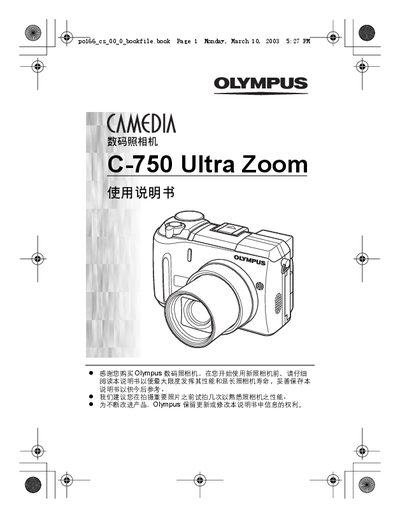
OLYMPUS CAMEDIAdigital cameraC-750 Ultra Zoom Manual
This manual explains the basic and advanced shooting functions of the Olympus C-750 Ultra Zoom, including flash modes, autofocus options, and image processing features. It also covers playback, printing, and custom button configurations.
Additional sections describe power management, battery information, and regulatory compliance for North American, European, and Asian markets, along with an index for quick reference. This manual is written in Japanese.
Olympus C-750 specifications
| Shutter speed range | 1/6 - 1/1000 sec |
|---|---|
| Aperture value range | F2.8-F8.0 |
| Still picture resolutions | 2288 x 1712, 1280 x 960, etc. |
| ISO settings | ISO 50, ISO 100, ISO 200, ISO 400 |
Source: Olympus C-750 Ultra Zoom Digital Camera Basic Manual
All Olympus C-750 documents by type
Day-to-day operation, settings and troubleshooting. Start here if the product is already set up.
Questions answered in these manuals
What is the purpose of this manual?
These instructions are only for quick reference. For more details on the functions described here, refer to the Reference Manual on CD-ROM.
Where can I find detailed software installation instructions?
Refer to the Software Installation Guide included in the CD-ROM package.
How do I turn the camera on?
Set the mode dial to the shooting mode and press the power switch.
How do I erase pictures?
You can erase single frames or all frames on the card using the arrow pad and menu.
How do I enable Auto White Balance?
Select the AUTO setting for white balance to enable automatic adjustment.
How can I use Panorama mode?
Choose the PANORAMA shooting mode to capture wide‑angle panoramic images.