
Key facts
- Brand
- Olympus
- Model
- C-760
- Category
- Digital cameras
- Industry
- Electronics
- Documents
- 4
- Languages
- EN · ZH
- Last added
- 2012-06-08
Start here
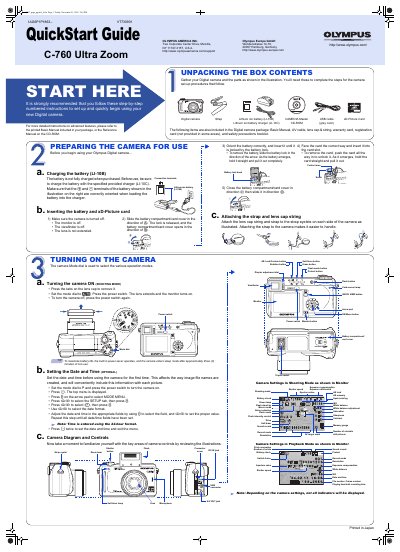
Olympus C-760 Ultra Zoom QuickStart Guide
This document serves as a QuickStart Guide for the Olympus C-760 Ultra Zoom digital camera. It provides step-by-step instructions for unpacking the box contents, preparing the camera for use, and setting up the device. Key initial steps include charging the included Lithium ion battery (LI-10B) and inserting the xD-Picture card.
Read onlineAll Olympus C-760 documents by type
Day-to-day operation, settings and troubleshooting. Start here if the product is already set up.
The shortest path to a working setup, usually only a few pages.
Questions answered in these manuals
What are the two conditions for FCC compliance?
The device may not cause harmful interference, and it must accept any interference received.
From: Olympus C-760 Ultra Zoom Digital Camera Reference Manual
What operating systems allow the camera to connect directly via USB?
The camera connects directly using a provided USB cable on Windows Me, Windows XP, Mac OS 9/X, Windows 98, and Windows 2000.
From: Olympus C-760 Ultra Zoom Digital Camera Reference Manual
What is the maximum number of storable pictures on a 512 MB xD-Picture Card?
The number of storable pictures depends on the image quality selected, but the camera handles xD-Picture Cards from 16 MB to 512 MB.
How long does the camera stay on before entering sleep mode?
The built-in power-saver causes the camera to enter sleep mode after approximately three minutes of non-use to maximize battery life.