
Key facts
- Brand
- Olympus
- Model
- C-7000
- Category
- Digital cameras
- Industry
- Electronics
- Documents
- 3
- Languages
- JA · ZH
- Last added
- 2012-03-23
Start here
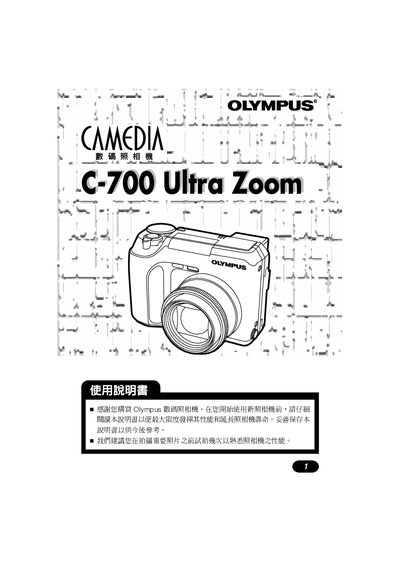
OLYMPUS digital camera C-7000ultra zoom Manual
This manual introduces the Olympus C-700 Ultra Zoom camera, covering safety information, quick‑start procedures, and an overview of its main features such as the viewfinder, LCD display, and shooting modes. It guides users through basic operations like battery installation, date/time setting, and automatic shooting modes.
Further sections detail advanced functions including aperture‑priority, shutter‑priority, program mode, continuous shooting, AF settings, flash usage, red‑eye reduction, and troubleshooting. The document also includes maintenance tips, cleaning instructions, and information on compatible accessories and external flash units. This manual is written in Japanese.
Olympus C-7000 specifications
| Storage Media | xD‑Picture Card |
|---|---|
| Optical Zoom | Optical zoom |
| Digital Zoom | Digital zoom |
| ISO Sensitivity | ISO 感光度 |
Source: Olympus C-7000 ZOOM C-70 ZOOM Digital Camera User Manual
All Olympus C-7000 documents by type
Day-to-day operation, settings and troubleshooting. Start here if the product is already set up.
Questions answered in these manuals
How do I start using the Olympus C-700 Ultra Zoom camera?
Begin with the Quick Start Guide in AUTO mode as described on page 31.
How can I print photos directly from the camera?
Use a PictBridge‑compatible printer to print images directly from the camera.
From: Olympus C-7000 ZOOM C-70 ZOOM Digital Camera User Manual
How do I connect the camera to a computer?
Install Olympus Master software on the computer and use it to download, view, edit and print images from the camera.
From: Olympus C-7000 ZOOM C-70 ZOOM Digital Camera User Manual
How do I transfer images to a computer?
Install Olympus Master software on your PC and use it to download, edit, view, and print images from the camera.
What shooting modes are available?
The camera offers five scene modes plus manual, aperture‑priority, shutter‑priority, and other advanced shooting options.