
OLYMPUS CAMEDIAdigital cameraC-750 Ultra Zoom Manual

This is a manual for the Olympus C-750 Ultra Zoom camera
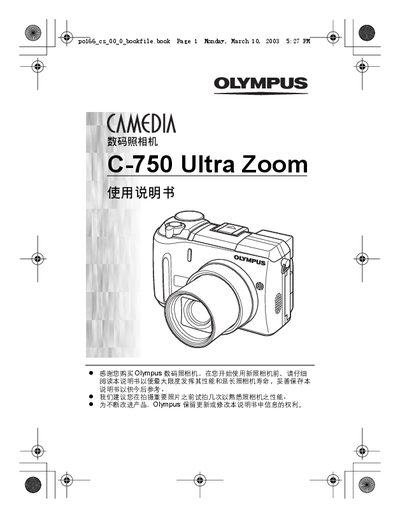

OLYMPUS CAMEDIAdigital cameraC-750 Ultra Zoom Manual - cover page
Brand
Olympus
Category
Digital cameras
Document type
User Manual
Language
Japanese
Pages
199
File format
PDF
File size
18.9 MB
Published
15 March, 2012
Updated
30 September, 2023
Model
C-750
MD5 checksum
C1E1371E0511A77C3354118C6A6548D2

About this manual

This manual explains the basic and advanced shooting functions of the Olympus C-750 Ultra Zoom, including flash modes, autofocus options, and image processing features. It also covers playback, printing, and custom button configurations.

Additional sections describe power management, battery information, and regulatory compliance for North American, European, and Asian markets, along with an index for quick reference. This manual is written in Japanese.

What's inside

  • Basic Shooting
  • Advanced Shooting
  • Flash Modes
  • AF Modes
  • Shooting Modes
  • Image Settings
  • Playback
  • Printing Settings
  • Power and Battery
  • Index

Specifications

Digital ZoomAvailable

Frequently asked questions

How do I enable Auto White Balance?

Select the AUTO setting for white balance to enable automatic adjustment.

How can I use Panorama mode?

Choose the PANORAMA shooting mode to capture wide‑angle panoramic images.

Download PDF (18.9 MB)

More Olympus Manuals


View all Olympus manuals →