
Key facts
- Brand
- Nikon
- Model
- D40X
- Category
- Digital cameras
- Industry
- Electronics
- Documents
- 3
- Languages
- EN · ZH
- Last added
- 2012-05-08
Start here
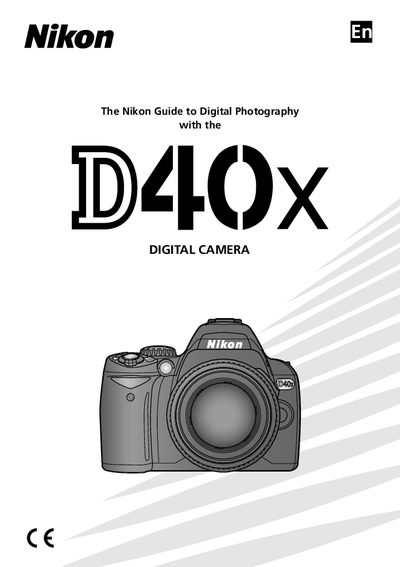
Nikon D40x User Manual
This manual introduces the Nikon D40x camera, covering basic setup, lens attachment, battery handling, and memory card insertion. It also explains how to connect the camera to a computer, printer, or TV and provides an overview of the menu system.
Additional sections cover creative photography modes, focus and exposure settings, playback options, and detailed troubleshooting steps. Safety warnings and proper handling of accessories are included throughout.
Nikon D40X specifications
| Effective Pixels | 10.2 MP (1,020 万) |
|---|---|
| Sensor Size | 23.6 × 15.8 mm |
| Lens Mount | Nikon F mount (AF contacts) |
| LCD Display | 2.5‑inch, 230,000‑pixel TFT LCD |
| Maximum Image Size (large) | 3872 × 2592 px |
All Nikon D40X documents by type
Disassembly, diagnostics and part numbers, for repair.
Day-to-day operation, settings and troubleshooting. Start here if the product is already set up.
Questions answered in these manuals
How can I reset the camera settings to factory defaults?
Press the dual‑key reset (双键重设) to restore all settings to their default values.
Which storage cards are compatible with the D40x?
The camera supports SD and SDHC cards that meet the Secure Digital specifications.