
Key facts
- Brand
- Nikon
- Model
- L11
- Category
- Digital cameras
- Industry
- Electronics
- Documents
- 3
- Languages
- EN · ZH
- Last added
- 2012-05-08
Start here
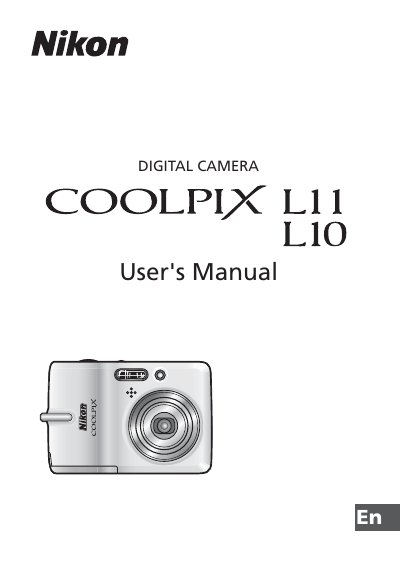
Nikon COOLPIX L10 L11 User Manual
This manual begins with safety instructions, warning symbols, and handling precautions to prevent injury and damage to the camera and its batteries. It also includes regulatory notices for FCC, California, and European waste collection.
The remainder of the guide covers camera components, battery insertion, power on/off, language and date settings, memory‑card handling, shooting modes, playback functions, flash use, and other basic operations such as zoom, white balance, and video recording.
Nikon L11 specifications
| Supported Batteries | EN-MH1 NiMH |
|---|---|
| Battery Charger Model | MH-71 |
| Memory Card Type | SD Card |
All Nikon L11 documents by type
Day-to-day operation, settings and troubleshooting. Start here if the product is already set up.
Questions answered in these manuals
How do I turn the camera on and off?
Use the power switch on the camera; turning it off stops operation and can be done from the menu or by removing the batteries.
What safety precautions should I follow when handling the batteries?
Only use approved EN-MH1 NiMH batteries, insert them correctly, avoid shorting, keep them away from heat, flame, water, and metal objects, and remove them when fully discharged.
What should I do if the camera emits smoke or an unusual smell?
Turn off the camera, unplug the AC adapter, remove the batteries immediately, and take the equipment to a Nikon‑authorized service representative for inspection.
How can I reduce radio‑frequency interference caused by the camera?
Reorient or relocate the antenna, increase the separation between the equipment and the receiver, or connect the equipment to a different circuit outlet.
Which batteries can be used with the COOLPIX L11/L10?
Use two EN‑MH1 NiMH rechargeable batteries as a pair; do not mix new, old, or different‑type batteries.
How do I format the memory card in the camera?
Select the format option in the menu (M format memory / O format storage card) to erase and prepare the card for use.