
The Nikon D40x user manual provides safety guidelines, operation instructions, menu details, troubleshooting, and technical specifications.
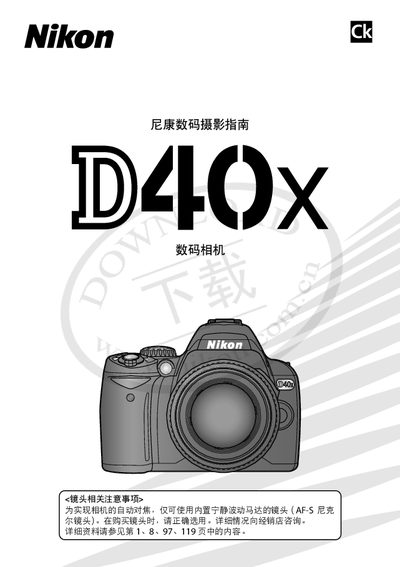
This manual covers safety precautions, basic camera setup, and detailed explanations of shooting and playback functions for the Nikon D40x digital camera. It includes step‑by‑step instructions for menu navigation, lens attachment, battery handling, and connecting the camera to a computer, printer, or TV.
Additional sections provide a Q&A index for quick problem solving, maintenance tips, and a full technical specifications sheet outlining sensor size, effective pixels, lens mount, LCD display, battery capacity, and supported accessories. This manual is written in Chinese.
| Effective Pixels | 10.2 MP (1,020 万) |
|---|---|
| Sensor Size | 23.6 × 15.8 mm |
| Lens Mount | Nikon F mount (AF contacts) |
| LCD Display | 2.5‑inch, 230,000‑pixel TFT LCD |
| Maximum Image Size (large) | 3872 × 2592 px |
Press the dual‑key reset (双键重设) to restore all settings to their default values.
The camera supports SD and SDHC cards that meet the Secure Digital specifications.
It uses a pentaprism five‑prism viewfinder suitable for eye‑level observation.