
Key facts
- Brand
- Nikon
- Model
- L21
- Category
- Digital cameras
- Industry
- Electronics
- Documents
- 2
- Languages
- EN
- Last added
- 2012-05-08
Start here
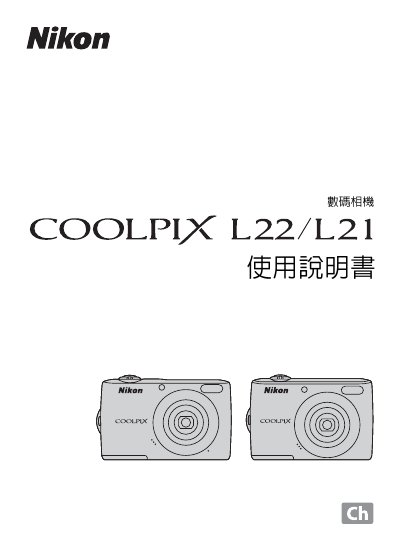
Nikon COOLPIX L22/L21 Digital Camera Manual
This manual covers the basic operation of the Nikon COOLPIX L22/L21 digital camera, including how to use the menu system, battery handling, and image capture functions. It also explains how to connect the camera to a computer via USB and how to print photos directly using PictBridge.
The guide lists compatible computer platforms such as Microsoft Windows and Apple Mac OS, and mentions support for QuickTime and Adobe Acrobat for viewing and editing images. Additional information on accessories, storage media, and warranty details is also included.
Nikon L21 specifications
| Effective pixels | 12.0 million (L22) / 8.0 million (L21) |
|---|---|
| Image sensor | 1/2.3‑in. CCD (L22) / 1/2.5‑in. CCD (L21) |
| Optical zoom | 3.6× |
| Maximum aperture | f/3.1‑6.7 |
| Vibration reduction | Electronic VR |
| Monitor | 3‑in. TFT LCD, approx. 230k‑dot (L22) |
| Battery types | AA alkaline, AA lithium, EN‑MH2 rechargeable |
| Dimensions (W×H×D) | 97.7 × 60.5 × 28.3 mm (L22) |
| Weight | 183 g (including battery and SD card) (L22) |
| ISO range | Auto (ISO 80‑1600) |
All Nikon L21 documents by type
Day-to-day operation, settings and troubleshooting. Start here if the product is already set up.
Questions answered in these manuals
What batteries are compatible with the COOLPIX L22/L21?
The camera works with AA alkaline batteries, AA lithium batteries, or EN‑MH2 rechargeable Ni‑MH batteries.
How many shots can be taken with a lithium battery on the COOLPIX L22?
Approximately 660 shots can be taken when using lithium batteries.
How can I print photos directly from the camera?
Photos can be printed directly using the PictBridge feature.