
Key facts
- Brand
- Nikon
- Model
- D3400
- Category
- Digital cameras
- Industry
- Electronics
- Documents
- 2
- Languages
- ZH
- Last added
- 2026-10-05
Start here
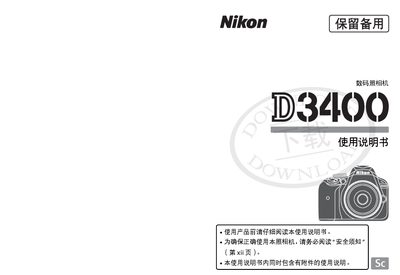
Nikon D3400 Digital Camera User Manual
This manual guides you through unpacking, installing the strap, charging the EN‑EL14a battery, inserting the battery and SD card, and attaching the lens. It also covers basic camera settings, menu navigation, and how to use SnapBridge to connect the camera to smartphones and tablets.
Later sections detail the camera’s technical specifications, image formats, storage media, battery performance, and maintenance tips. Reference links for downloading the full PDF and related software such as ViewNX‑i and SnapBridge are also included. This manual is written in Chinese.
Nikon D3400 specifications
| Type | Single‑lens reflex digital camera |
|---|---|
| Lens mount | Nikon F mount (with AF contacts) |
| Effective pixels | ≈24.16 MP |
| Image sensor | ≈23.5×15.6 mm CMOS |
| Image resolution | 6000×4000 (large), 4496×3000 (medium), 2992×2000 (small) |
| File formats | NEF (RAW) 12‑bit, JPEG (Baseline) |
| Storage media | SD, SDHC, SDXC (UHS‑I compatible) |
| Battery model | EN‑EL14a 1230 mAh Li‑ion |
| Photos per charge (CIPA) | ≈1200 photos |
| Video recording time | ≈60 min at 1080/60p |
All Nikon D3400 documents by type
Day-to-day operation, settings and troubleshooting. Start here if the product is already set up.
Questions answered in these manuals
How many photos can be taken on a fully charged battery?
Approximately 1,200 photos can be captured on a full charge according to the CIPA standard.
Which memory cards are compatible with the D3400?
The camera supports SD cards, SDHC and SDXC cards that are UHS‑I compatible.
How many photos can be taken on a fully charged battery?
Approximately 1,200 photos per charge.
What app is used to transfer images via Bluetooth?
The SnapBridge app connects the camera to compatible smart devices.