
Key facts
- Brand
- Nikon
- Model
- D50
- Category
- Digital cameras
- Industry
- Electronics
- Documents
- 5
- Languages
- EN
- Last added
- 2026-10-26
Start here
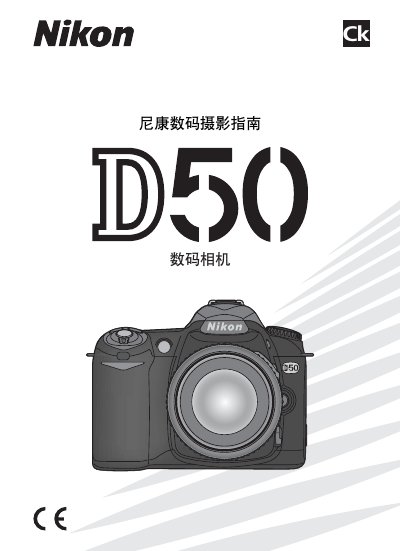
Nikon D50 Digital Camera User Manual
This document serves as the official user guide for the Nikon D50 digital camera. It provides comprehensive instructions on operating the device, managing files, and utilizing various shooting modes.
The manual details system requirements for software compatibility, including Macintosh and Windows environments, along with specific support for Adobe Acrobat and PictBridge standards.
Nikon D50 specifications
| Image size (Large JPEG) | 3008 × 2000 pixels |
|---|---|
| Metering mode | Matrix |
| Focus mode | AF (Auto Focus) |
Source: Nikon D50 User's Guide
All Nikon D50 documents by type
Day-to-day operation, settings and troubleshooting. Start here if the product is already set up.
Disassembly, diagnostics and part numbers, for repair.
Questions answered in these manuals
Where can I obtain a replacement manual for the D50?
A replacement manual can be ordered, for a fee, from any authorized Nikon service representative.
From: Nikon D50 User Manual
How can I reset the camera settings to defaults?
Hold the green dot button together with the other green dot button on the top left of the back of the camera.
From: Nikon D50 User's Guide
How do I set white balance to Auto?
Press and hold the WB button, then turn the rear knob until the auto (sun) icon appears on the top LCD.
From: Nikon D50 User's Guide