
Key facts
- Brand
- NEC
- Model
- SL2100
- Industry
- Appliances
- Documents
- 2
- Languages
- EN
- Last added
- 2026-10-25
Start here
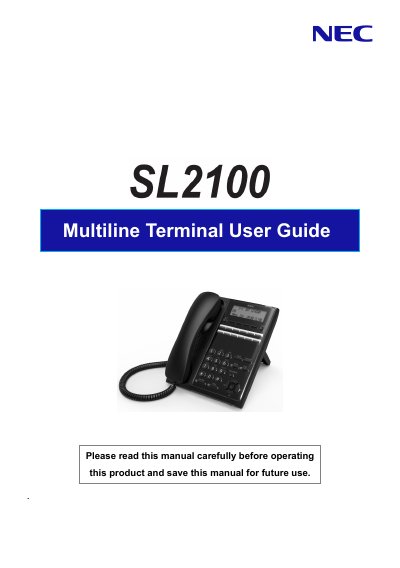
NEC SL2100 Multiline Terminal User Guide
User Manual 30 pages · 1.2 MB · EN
The NEC SL2100 Multiline Terminal is a flexible communication device designed for office environments. This manual covers essential setup procedures, including handset installation and adjusting the viewing angle of the base unit. It details the operation of various programmable function keys, such as Hold, Speaker, Mute, and Transfer, allowing users to manage calls efficiently.
Read onlineNEC SL2100 specifications
| Programmable Function Keys (IP 7WW-12TXH-B1 TEL) | 12 |
|---|---|
| Programmable Function Keys (IP 7WW-24TXH-B1 TEL) | 24 |
| LCD Display Capacity | 3 lines, 24 characters with backlight |
All NEC SL2100 documents by type
User Manual 2
Day-to-day operation, settings and troubleshooting. Start here if the product is already set up.
Questions answered in these manuals
How do I place a call on hold?
Press the HOLD key to place an internal or external call on hold.
What is the maximum number of digits that can be registered for dialing?
Up to 36 digits can be registered for dialing.
How can I change the Trunk Access Code?
You must ask your NEC Authorized Supplier for the details.
How do I erase a Programmable Function Key before reassigning it?
Dial “752 + 000” (or “751 + 00”) to erase the key before assigning a new function.