
This user guide provides instructions for installing, operating, and managing features of the NEC SL2100 multiline terminal.
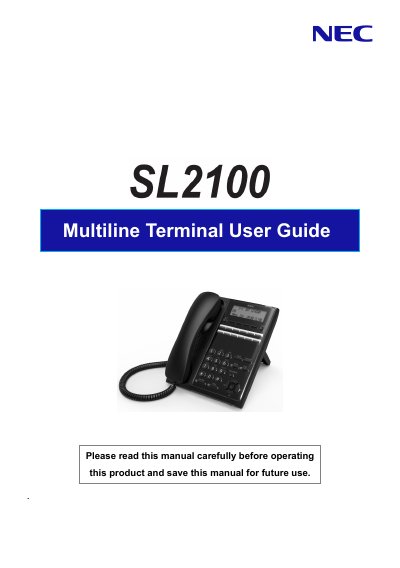
The NEC SL2100 Multiline Terminal is a flexible communication device designed for office environments. This manual covers essential setup procedures, including handset installation and adjusting the viewing angle of the base unit. It details the operation of various programmable function keys, such as Hold, Speaker, Mute, and Transfer, allowing users to manage calls efficiently.
| Programmable Function Keys (IP 7WW-12TXH-B1 TEL) | 12 |
|---|---|
| Programmable Function Keys (IP 7WW-24TXH-B1 TEL) | 24 |
| LCD Display Capacity | 3 lines, 24 characters with backlight |
Press the HOLD key to place an internal or external call on hold.
Up to 36 digits can be registered for dialing.
The LCD has 3 lines with 24 characters each.
Up to 12 characters can be registered as a name.