
The NEC SL2100 Multiline Terminal User Guide provides installation, operation, and feature instructions for the SL2100 telephone terminal.
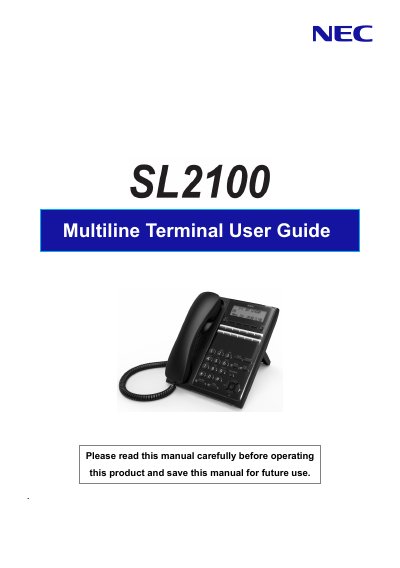
This guide explains how to install the handset and line cord, adjust viewing angles, and configure programmable function keys. It also covers dialing procedures, speed‑dial registration, and voicemail features.
Detailed sections describe trunk access code changes, one‑touch/DSS key assignments, camp‑on and callback functions, and system administrator tasks such as mailbox maintenance and message recording.
| LCD display | 3 lines, 24 characters with backlight |
|---|---|
| Programmable Function Keys | 12 keys for IP 7WW‑12TXH‑B1 TEL, 24 keys for IP 7WW‑24TXH‑B1 TEL |
You must ask your NEC Authorized Supplier for the details.
Dial “752 + 000” (or “751 + 00”) to erase the key before assigning a new function.
Up to 36 digits can be registered, with up to 12 characters for the name.