
NEC SL2100 Multiline Terminal User Guide

This manual introduces the use of the NEC SL2100 system telephone terminal, including installation and operation methods.
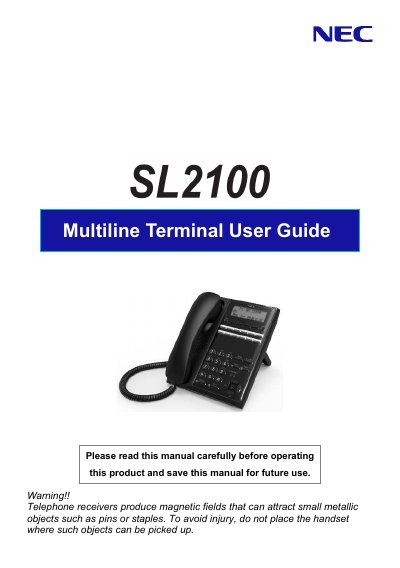

NEC SL2100 Multiline Terminal User Guide - cover page
Brand
NEC
Document type
User Manual
Language
English
Pages
30
File format
PDF
File size
972 KB
Published
13 October, 2023
Updated
13 October, 2023
Model
SL2100
MD5 checksum
B4E78F7FC527ABD16E644DB506FA5540

About this manual

The NEC SL2100 is a multiline telephone terminal designed for use within an NEC system. This manual explains how to install the handset and line cord, adjust the viewing angle of the display, and utilize various keys such as Exit, Speaker, Programmable Function Keys, and Soft Keys.

What's inside

  • Before using Your Terminal
  • Installing the Handset and Line Cord
  • Adjusting Viewing Angle
  • Using Your Terminal (Keys)
  • Programmable Function Keys
  • DSS / One-Touch Keys
  • Abbreviated Dial Registration
  • Placing Calls
  • Directory Dialing

Frequently asked questions

How many characters can be entered as a name?

You can register up to 12 characters as a name.

What safety precaution should be taken regarding the handset?

Do not place the handset where small metallic objects like pins or staples can be picked up by the magnetic field.

How many characters can be registered for a name in Abbreviated Dial?

Up to 12 characters can be registered as a name.

How many numbers does the system retain for Last Number Dialing?

The system retains the last 10 numbers dialed for review and redialing.

Download PDF (972 KB)

More NEC Manuals


View all NEC manuals →