
Key facts
- Brand
- NEC
- Model
- DT730
- Category
- Telephone
- Industry
- Electronics
- Documents
- 3
- Languages
- ES · EN
- Last added
- 2026-11-09
Start here
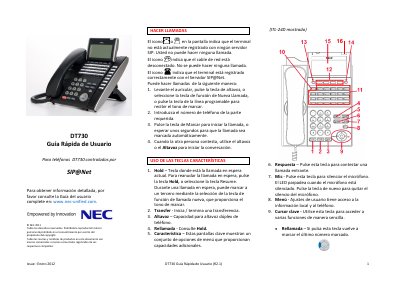
NEC DT730 SIP Phone Quick User Guide (R2.1)
This is the R2.1 quick user guide for NEC DT730 telephones controlled by SIP@Net. It explains how to make calls, use the feature and programmable keys, check call history, handle held and concurrent calls, and start a three-party conference. It also gives steps for adjusting LCD contrast and backlight timeout.
The guide is dated January 2012 and refers readers to the complete user guide at www.nec-unified.com. It is a short reference covering basic telephone operations. This manual is written in Spanish.
NEC DT730 specifications
| Telephone system | SIP@Net |
|---|---|
| Speakerphone | Full-duplex |
| Call history capacity | Last 50 calls |
| Programmable keys | Additional line keys or speed-dial keys |
All NEC DT730 documents by type
The shortest path to a working setup, usually only a few pages.
Day-to-day operation, settings and troubleshooting. Start here if the product is already set up.
Questions answered in these manuals
How many calls does the DT730 store in its call history?
It stores information about the last 50 calls and shows the most recent calls first.
What does a blinking call indicator light mean?
A blinking call indicator light indicates an incoming call.
How do I make an external call?
To make an external call, follow the procedure described in the 'TO MAKE AN EXTERNAL CALL' section of the guide.
From: NEC DT730/DT710/DT330/DT310 Telephone System User's Guide
How do I answer an internal call?
To answer an internal call, press the appropriate key as instructed in the 'TO ANSWER AN INTERNAL CALL' section.
From: NEC DT730/DT710/DT330/DT310 Telephone System User's Guide