
Key facts
- Brand
- NEC
- Model
- SL1100
- Category
- Telephone
- Industry
- Appliances
- Documents
- 3
- Languages
- EN
- Last added
- 2026-10-25
Start here
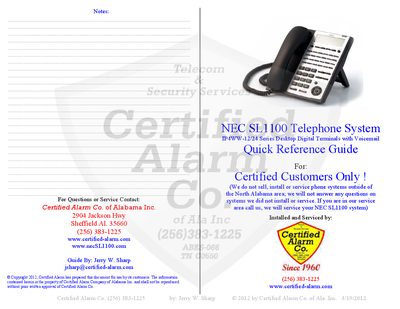
NEC SL1100 Telephone System Quick Reference Guide
This quick reference guide is intended for Certified Alarm Co. customers who have installed the NEC SL1100 telephone system. It provides concise instructions for everyday operations such as making calls, using voicemail, and configuring basic features.
The guide details menu key operations, soft‑key functions, voicemail and auto‑attendant setup, call transfer, paging, conference calls, Do‑Not‑Disturb, emergency calls, ring‑tone selection, headset use, and programming of DSS/CO line keys. It also includes shortcuts for call waiting, speed‑dial, and clock settings.
NEC SL1100 specifications
| Speed Dial Entries | 1000 |
|---|---|
| Last Number Redial Capacity | up to 10 numbers |
| Conference Call Capacity | up to 16 parties |
All NEC SL1100 documents by type
Day-to-day operation, settings and troubleshooting. Start here if the product is already set up.
The shortest path to a working setup, usually only a few pages.
Questions answered in these manuals
Which paging method is supported across the network?
Only unicast paging is supported across the network.
What type of voice mail integration is supported?
Only InMail is supported as a centralized voice mail system.
How do I transfer a call on the NEC SL1100?
Press the function key you want to contact or press the TRANSFER key followed by the extension number of the party to contact.
What is the Do Not Disturb (DND) function?
It allows incoming calls to receive a BUSY tone or route to voicemail even if the keyset is not being used.
How do I record a voicemail greeting?
Press the VMsg Soft Key, enter your security code, then follow the prompts to record the greeting.
How can I place a call on hold?
During a call, press the Hold key; press it again to retrieve the call.