
Logitech G102 / G203 LIGHTSYNC Gaming Mouse User Manual

The Logitech G102 / G203 LIGHTSYNC is a gaming mouse with 6 programmable buttons and 3 independent customizable lighting zones.
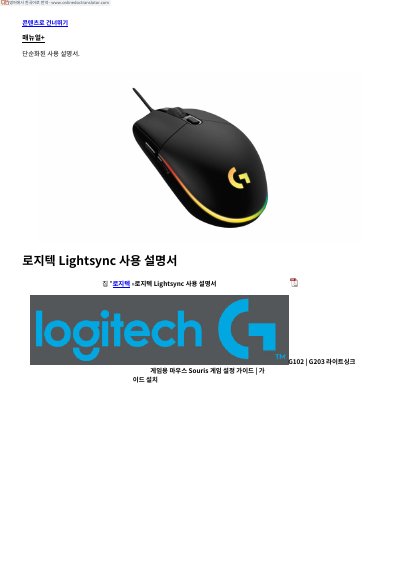

Logitech G102 / G203 LIGHTSYNC Gaming Mouse User Manual - cover page
Brand
Logitech
Category
Mouse keyboard
Document type
User Manual
Language
Korean
Pages
4
File format
PDF
File size
353 KB
Published
10 November, 2023
Updated
10 November, 2023
MD5 checksum
2AE9EF63B4092C1058506D90CB40D8A8

About this manual

This document is a Korean user manual for the Logitech G102 and G203 LIGHTSYNC gaming mice. It explains setup by connecting the mouse to a USB port and downloading and installing Logitech G HUB, lists the default assignments for the six programmable buttons, and describes the customizable LIGHTSYNC RGB lighting.

It also includes file download, reference, and related manual sections, including links to other Logitech product manuals. This manual is written in Korean.

What's inside

  • Important safety, compliance and warranty information
  • Contents
  • Setup instructions
  • Fully programmable 6 buttons
  • LIGHTSYNC RGB programmable lighting
  • File download
  • References
  • Related manuals

Frequently asked questions

Where do I download Logitech G HUB?

Download and install it from logitechG.com/GHUB.

Can the lighting be synchronized with other Logitech G devices?

Yes, the lighting can be synchronized with other supported Logitech G devices using Logitech G HUB software.

Download PDF (353 KB)

More Logitech Manuals


View all Logitech manuals →