
The Logitech G102 / G203 LIGHTSYNC gaming mouse features 6 programmable buttons, LIGHTSYNC RGB programmable lighting, and a high-performance sensor.
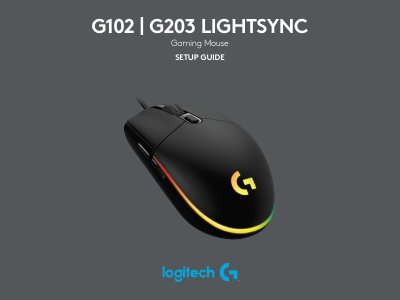
This document serves as a setup guide for the Logitech G102 and G203 LIGHTSYNC Gaming Mice. It details the initial configuration steps, including connecting the device via USB and installing the required Logitech G HUB software. The guide explains how to access and configure the fully programmable buttons found on the mouse.
Plug the mouse into a USB port.
Download and install Logitech G HUB software from logitechG.com/GHUB.
The mouse has 3 independent lighting zones.
Yes, lighting can be synchronized with other supported Logitech G devices using Logitech G HUB software.