
This document is the JVC D-ILA Projector RS-232C, LAN and Infrared Remote Control Guide, providing information on remote control methods and interface details for various projector models.
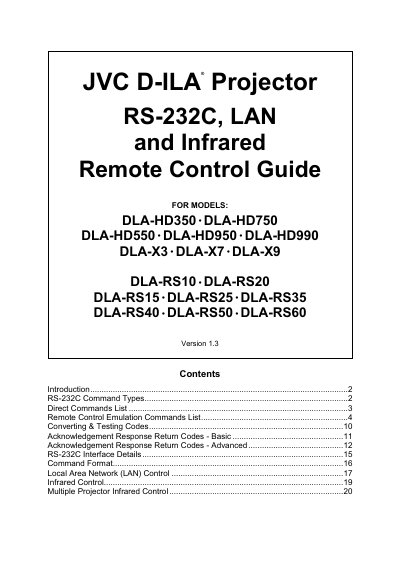
The Remote Control Guide explains how to operate JVC D‑ILA projectors via RS‑232C, infrared remote, or LAN. It lists the supported projector models and gives raw hexadecimal command codes for each function.\n\nThe document describes Direct Commands and Remote Control Emulation Commands, shows how to convert the hex codes for control systems such as Crestron or AMX, and includes information on acknowledgement response codes and testing tools.
| Supported models | DLA‑HD350, DLA‑HD750, DLA‑HD550, DLA‑HD950, DLA‑HD990, DLA‑X3, DLA‑X7, DLA‑X9, DLA‑RS10, DLA‑RS20, DLA‑RS15, DLA‑RS25, DLA‑RS35, DLA‑RS40, DLA‑RS50, DLA‑RS60 |
|---|
Use the hex code 21 89 01 50 57 31 0A to power on the projector.
LAN control is supported on the DLA‑X7, DLA‑X9, DLA‑RS50 and DLA‑RS60 models.
Convert the hex bytes to Crestron format, e.g., Power On becomes \x21\x89\x01\x50\x57\x31\x0A\r.