
The HP Officejet J3500/J3600 All-in-One series user guide explains setup, printing, copying, scanning, faxing, and maintenance.
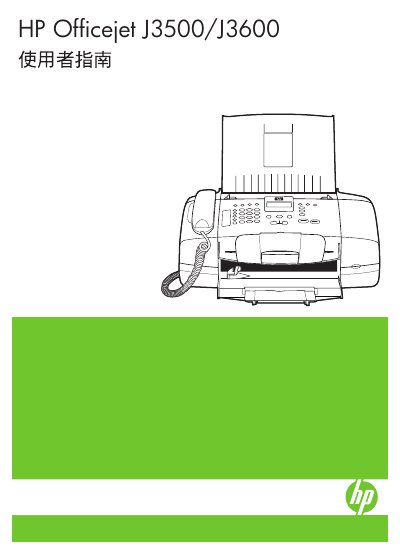
This guide provides step‑by‑step instructions for preparing and starting the HP Officejet J3500/J3600, including safety information, accessibility features, and initial setup. It covers using the control panel, loading media, and configuring print, copy, scan, and fax functions on both Windows and Mac operating systems.
Later sections detail advanced settings, device management tools, troubleshooting tips, and maintenance procedures such as cartridge replacement, cleaning, and error resolution. The manual also includes information on supported media types and specifications, as well as warranty and support resources. This manual is written in Chinese.
| Supported media sizes | Letter, A4, 4×6 in (10×15 cm), index cards, envelopes, other paper types |
|---|
Refer to the "更換列印墨匣" section, which explains how to remove and install a new print cartridge.
Use the "雙面列印" (double‑sided printing) option described in the printing settings.
The device supports screen readers, braille displays, and voice‑to‑text applications, and provides high‑contrast button labels.