
Key facts
- Brand
- Haier
- Model
- H-V58E
- Category
- Cell Phones
- Industry
- Electronics
- Documents
- 2
- Languages
- ZH
- Last added
- 2012-03-28
Start here
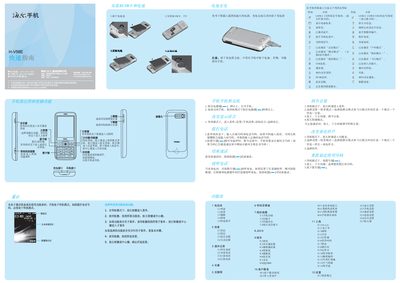
Haier H-V58E Mobile Phone Quick Start Guide
Quick Start Guide 2 pages · 3.1 MB · ZH
This guide provides step‑by‑step instructions for powering on the Haier H‑V58E, navigating menus, and using core functions such as calls, messaging, camera, and media playback. It also includes safety tips, battery handling, and regulatory information.
Additional sections explain language selection, input methods, Bluetooth pairing, SIM/PIN handling, and how to connect accessories like USB cables and headphones. This manual is written in Chinese.
All Haier H-V58E documents by type
Quick Start Guide 2
The shortest path to a working setup, usually only a few pages.
Questions answered in these manuals
How do I turn the phone on?
Press and hold the power key for more than 1‑2 seconds while the phone is in standby mode.
How do I turn the phone on?
Press and hold the power key for more than 1–2 seconds to power on the phone.
How can I switch the input method?
Press the # key to toggle between the available input methods.