
Key facts
- Brand
- Haier
- Model
- U56T
- Category
- Cell Phones
- Documents
- 2
- Languages
- ZH
- Last added
- 2012-02-28
Start here
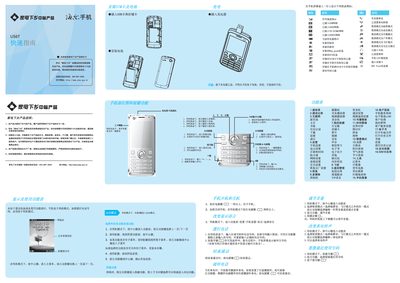
Haier U56T Phone Quick Start Guide
This guide introduces the Haier U56T mobile phone, covering how to install the SIM and storage cards, power the device on, navigate the main menu, and use basic functions such as dialing, messaging, and multimedia playback. It also explains the various input methods, including numeric, pinyin, and handwriting entry.
Safety information includes handling and storage recommendations, battery charging guidelines, SAR radiation limits, and warranty service contacts. The document also lists supported network types and provides troubleshooting tips for common issues. This manual is written in Chinese.
All Haier U56T documents by type
The shortest path to a working setup, usually only a few pages.
Day-to-day operation, settings and troubleshooting. Start here if the product is already set up.
Questions answered in these manuals
How do I turn on the Haier U56T phone?
Press and hold the power key for more than one second to turn the phone on.
Can I remove the battery while the phone is charging?
No, you must keep the battery installed while the charger is connected.
How do I turn the phone on or off?
Press and hold the power key for a few seconds to turn the phone on or off; do not remove the battery to power off.