
This document describes how to install RUIM card and battery, and displays the status icons and function menu on the phone screen. It also provides the operation methods for powering on/off the phone, changing display language, making calls, answering calls, adjusting volume, changing incoming ringtone, etc.
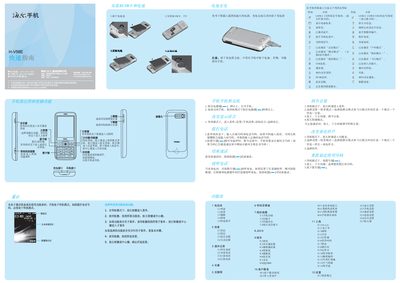
This guide provides step‑by‑step instructions for powering on the Haier H‑V58E, navigating menus, and using core functions such as calls, messaging, camera, and media playback. It also includes safety tips, battery handling, and regulatory information.
Additional sections explain language selection, input methods, Bluetooth pairing, SIM/PIN handling, and how to connect accessories like USB cables and headphones. This manual is written in Chinese.
| Maximum SAR | 0.239 W/kg |
|---|
Press and hold the power key for more than 1‑2 seconds while the phone is in standby mode.