
Key facts
- Brand
- Haier
- Model
- HG-X66
- Category
- Cell Phones
- Industry
- Electronics
- Documents
- 2
- Languages
- ZH
- Last added
- 2012-02-28
Start here
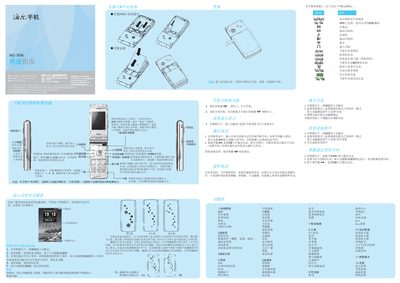
Haier HG-X66 Phone Quick Start Guide
This guide explains how to use the navigation keys, make and receive calls, send messages, and operate the camera, music player, and other multimedia functions. It shows how to access menus, select SIM cards, and use the quick‑access shortcuts in standby mode.
Additional sections cover input methods, safety and maintenance advice, battery charging procedures, SAR information, and contact details for Haier support. The guide also includes instructions for language selection, volume adjustment, and using the built‑in applications such as the calculator, calendar, and internet browser. This manual is written in Chinese.
All Haier HG-X66 documents by type
Day-to-day operation, settings and troubleshooting. Start here if the product is already set up.
The shortest path to a working setup, usually only a few pages.
Questions answered in these manuals
How do I make a call?
Press the dialing key, select the SIM card, and then press the dialing key again to place the call.
How can I adjust the volume?
In standby mode, short‑press the up or down side keys to increase or decrease the volume.
How long does it take to fully charge the HG‑X66?
Charging the phone generally takes about four hours.
What is the maximum SAR value of the phone?
The maximum specific absorption rate is 2.0 W/kg.