
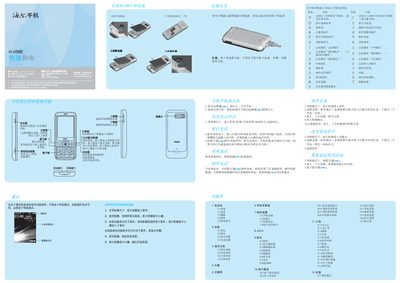
Haier H-V58E Mobile Phone Quick Start Guide


Haier H-V58E Mobile Phone Quick Start Guide - cover page
Brand
Haier
Document type
Quick Start Guide
Language
Chinese
Pages
2
File format
PDF
File size
3.1 MB
Published
04 October, 2011
Updated
29 September, 2023
Model
H-V58E
MD5 checksum
8C34797B5130CE39DF93DB191E05CD48

About this manual

This guide explains how to power the phone on and off, navigate menus, and use common functions such as calls, messaging, and internet access. It also covers input methods, language selection, and how to manage contacts and groups.

Additional sections describe the camera and video recorder, audio playback, radio, Bluetooth services, SIM/PIN handling, battery charging, and important safety and environmental precautions for the device. This manual is written in Chinese.

What's inside

  • Power On/Off
  • Menu Navigation
  • Input Methods
  • Camera and Video
  • Audio and Radio
  • SIM and PIN Management
  • Battery and Charging
  • Safety Precautions
  • Bluetooth and Connectivity

Specifications

SAR (Maximum)0.239 W/kg

Frequently asked questions

How do I turn the phone on?

Press and hold the power key for more than 1–2 seconds to power on the phone.

How can I switch the input method?

Press the # key to toggle between the available input methods.

Download PDF (3.1 MB)

More Haier Manuals


View all Haier manuals →