
Key facts
- Brand
- Haier
- Model
- HG-U69
- Category
- Cell Phones
- Industry
- Electronics
- Documents
- 2
- Languages
- ZH
- Last added
- 2012-02-28
Start here
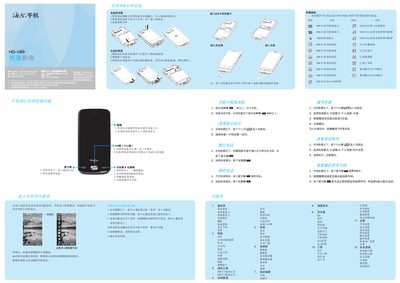
Haier HG-U69 Phone Quick Start Guide
This guide explains how to power on the phone, navigate the menu, make and receive calls, install or remove the battery, and insert SIM and memory cards. It also covers the use of side, OK (center), and hang‑up keys, as well as dialing procedures and quick access to contacts, calendar, and multimedia functions.
Additional sections describe the supported input methods (handwriting, pinyin, stroke, and numeric keyboards), safety recommendations, battery charging guidelines, SAR limits, and environmental disposal instructions. The document ends with troubleshooting tips and warranty information. This manual is written in Chinese.
Haier HG-U69 specifications
| SAR (Maximum) | 0.695 W/kg |
|---|---|
| Operating Temperature Range | -5°C to 55°C |
| Battery Charge/Discharge Cycles | Hundreds of cycles |
All Haier HG-U69 documents by type
Day-to-day operation, settings and troubleshooting. Start here if the product is already set up.
The shortest path to a working setup, usually only a few pages.
Questions answered in these manuals
How do I install the battery?
Align the battery’s metal contacts with the contacts in the battery compartment and press the battery into place, then secure the cover.
How can I lock the screen?
Short‑press the power key while the phone is in standby to lock both the screen and the keyboard.