
Key facts
- Brand
- Haier
- Model
- 29F5D-T
- Category
- Television
- Documents
- 2
- Languages
- ZH
- Last added
- 2012-03-16
Start here
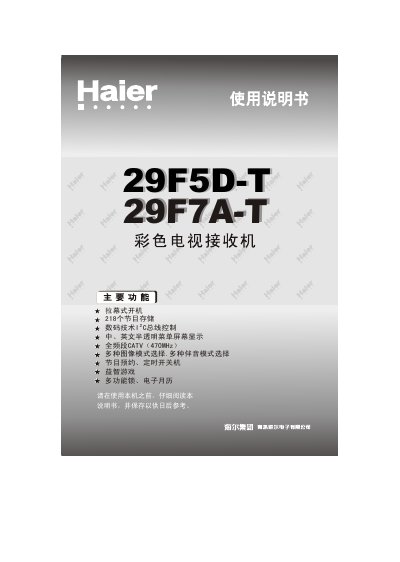
Haier 29F5D-T / 29F7A-T Television User Manual
This manual guides Haier 29F5D-T and 29F7A-T flat‑panel televisions through installation, basic operation, and advanced settings. It includes safety precautions, quick‑start steps, and detailed explanations of the controller panels for each model.
The document also covers connection of external AV devices, remote‑control battery replacement, automatic channel search, and a troubleshooting guide for common image and audio issues. This manual is written in Chinese.
Haier 29F5D-T specifications
| Screen size | 29" |
|---|---|
| Refresh rate | 100 Hz |
| Supported color systems | PAL 50/60, NTSC M, NTSC 4.43 MHz, SECAM, PAL M, NTSC N |
| Input voltage | AC 220 V 50 Hz |
| Power consumption | 180 W |
| Video input impedance | 75 Ω |
| Audio input level | 400 mV rms (40 kΩ) |
| Audio output power | 5 W + 5 W + 10 W (bass) |
All Haier 29F5D-T documents by type
Day-to-day operation, settings and troubleshooting. Start here if the product is already set up.
Questions answered in these manuals
How do I connect the antenna to the TV?
Connect the antenna cable to the TV’s antenna input terminal, ensuring the connector matches the 75 Ω impedance for optimal signal reception.
What is the power consumption of the television?
The TV consumes 180 W of power during normal operation.
How do I install batteries in the remote control?
Open the battery compartment, insert two size‑7 (AA) batteries with the correct polarity (+/‑) as marked, then close the cover.
How do I connect the TV antenna?
Insert the antenna plug into the antenna terminal on the back of the television, then connect the power cord to the AC outlet.