
Key facts
- Brand
- Haier
- Model
- HG-V730
- Category
- Cell Phones
- Industry
- Electronics
- Documents
- 2
- Languages
- ZH
- Last added
- 2012-03-28
Start here
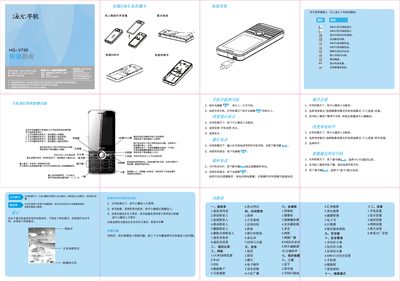
Haier HG-V730 Quick Start Guide
This guide introduces the basic operation of the Haier HG‑V730 phone, including how to insert the battery and SIM cards, use the navigation keys to access menus, and view status indicators such as signal strength, battery level, and new messages. It also explains power‑on/off procedures and how to lock the keypad.
The document describes the phone’s main functions such as making calls, sending SMS/MMS, using the built‑in camera and video recorder, playing music and videos, managing contacts, browsing the web with UCWEB, and configuring settings like language, date/time, and safety features. Safety and environmental information, including SAR limits and battery handling, are also provided. This manual is written in Chinese.
Haier HG-V730 specifications
| SAR (maximum) | 0.250 W/kg |
|---|---|
| Supported network | GPRS |
| SIM card slots | 2 (SIM1, SIM2) |
Source: Haier HG-V730 Quick Start Guide
All Haier HG-V730 documents by type
Day-to-day operation, settings and troubleshooting. Start here if the product is already set up.
The shortest path to a working setup, usually only a few pages.
Questions answered in these manuals
How can I take a photo with the phone?
Enter the camera mode, use the navigation keys to adjust focus and exposure, and press the center key to capture a photo.
How do I install or remove the battery?
Open the back cover, place the battery into the slot to install, or press the release to remove it.
How can I insert a SIM card?
Open the SIM card slot, align the SIM card as shown, and insert it fully.