
Key facts
- Brand
- Haier
- Model
- LU32K3A
- Category
- Other Electronics
- Documents
- 2
- Languages
- ZH
- Last added
- 2012-02-25
Start here
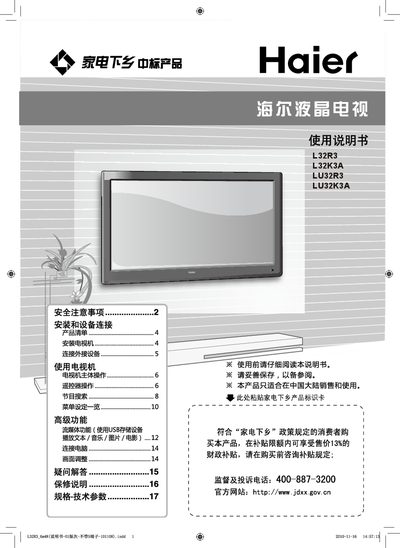
Haier L32R3/L32K3A/LU32R3/LU32K3A TV User Manual
This manual provides safety precautions, installation guidelines, and connection instructions for Haier 32‑inch LCD televisions. It explains how to set up the TV, connect antennas and external devices, and use the remote control and built‑in media functions.
Technical specifications, power requirements, and environmental limits are listed, along with warranty and certification information. The document also includes service recommendations and troubleshooting tips for safe and reliable operation. This manual is written in Chinese.
Haier LU32K3A specifications
| Power consumption | 100W |
|---|---|
| Dimensions (with base) L32K3A | 798x230x575 mm |
| Input voltage | 220V 50Hz |
| Video inputs | AV (CVBS), Component, HDMI, DVI, VGA, USB |
All Haier LU32K3A documents by type
Day-to-day operation, settings and troubleshooting. Start here if the product is already set up.
Questions answered in these manuals
What is the recommended power supply voltage for the TV?
The TV operates on approximately 220 V at 50 Hz.
What should I do if liquid contacts the screen?
Rinse the screen with clean water for 15 minutes and consult a doctor.
What is the maximum operating distance of the remote control?
The remote control works up to 8 meters away.
How do I replace the remote‑control batteries?
Open the battery compartment and insert two AA (七号) batteries, observing the correct polarity.