
Key facts
Start here
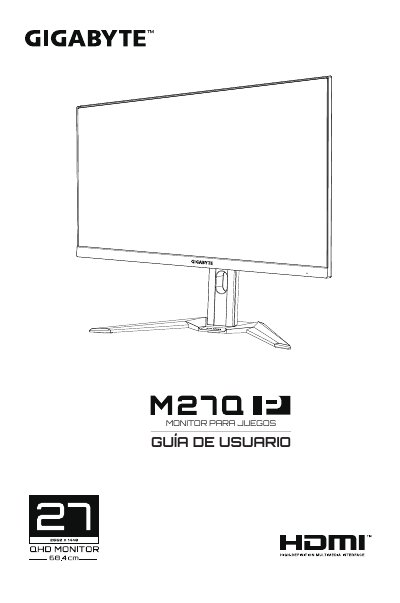
GIGA-BYTE G24F Monitor User Guide
This is the Spanish user manual for the GIGABYTE M27Q gaming monitor. The document provides instructions on unpacking the device, installing the stand or wall mount, and connecting cables including HDMI, DisplayPort, and USB-C.
The guide details how to power on the monitor, select input sources, and navigate the On-Screen Display (OSD) menu for configuration. It also includes sections on basic care, charging notes via USB, and a troubleshooting section. This manual is written in Spanish.
All GIGABYTE M27Q documents by type
Day-to-day operation, settings and troubleshooting. Start here if the product is already set up.
Questions answered in these manuals
What items are included in the package?
The package includes the monitor, base, power cable, HDMI cable, USB cable, DisplayPort cable, installation guide, warranty card, and quick start guide.
How should the screen be cleaned?
Use a soft, lint-free cloth. You may use a glass cleaner if necessary, but never spray it directly on the screen.
What is the model number of this monitor?
The product name listed in the regulatory notices is M27Q.
Which video interfaces are supported?
The monitor supports 2x HDMI 2.0, 1x DP1.2, and 1x USB-C.