
Key facts
- Brand
- Gigabyte
- Model
- GV-R98P128D
- Category
- Graphic Card
- Industry
- Electronics
- Documents
- 2
- Languages
- EN · ZH
- Last added
- 2011-11-03
Start here
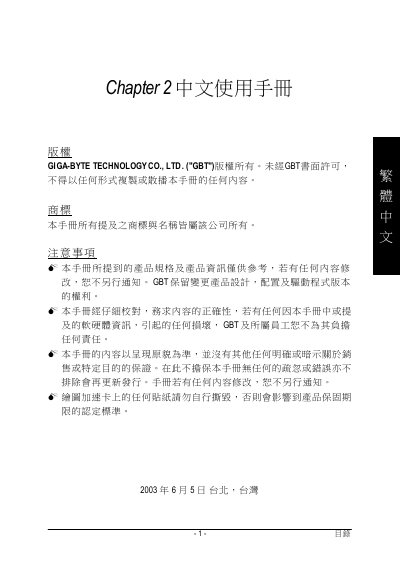
GIFABYTE GV-R98P128D graphic card Manual
This manual provides step-by-step instructions for installing the Gigabyte GV-R80X256D graphics card into a computer, including hardware setup and driver installation. It also includes troubleshooting tips and compatibility information for operating systems and BIOS updates. The card features Radeon X800XT core technology, AGP 8X support, and 256MB DDR memory.
The manual is written in Chinese and includes diagrams for component layout and connection ports, such as VGA, DVI, and S-Video outputs. It warns users about static electricity risks during installation and advises using anti-static equipment. Driver installation is guided through an autorun interface or by running Dxsetup.exe.
Gigabyte GV-R98P128D specifications
| Visual Processing Unit | RADEON 9800 PRO |
|---|---|
| Memory | 128MB DDR |
| Interface | AGP 8X |
| Memory interface | 256-bit |
| Pipeline architecture | 8-pixel |
Source: Gigabyte GV-R98P128D Radeon 9800 PRO Graphics Accelerator User's Manual
All Gigabyte GV-R98P128D documents by type
Day-to-day operation, settings and troubleshooting. Start here if the product is already set up.
Questions answered in these manuals
Does the card support DirectX 9.0?
The key features list states full support for DirectX 9.0.
From: Gigabyte GV-R98P128D Radeon 9800 PRO Graphics Accelerator User's Manual
Does the manual include Windows 2000 driver installation?
Yes, the table of contents lists a Windows 2000 Driver Installation section.
From: Gigabyte GV-R98P128D Radeon 9800 PRO Graphics Accelerator User's Manual
What is the graphics chip used in this card?
It uses the Radeon X800XT core technology.
What is the maximum memory supported?
It supports up to 256MB of DDR memory.