
Key facts
Start here
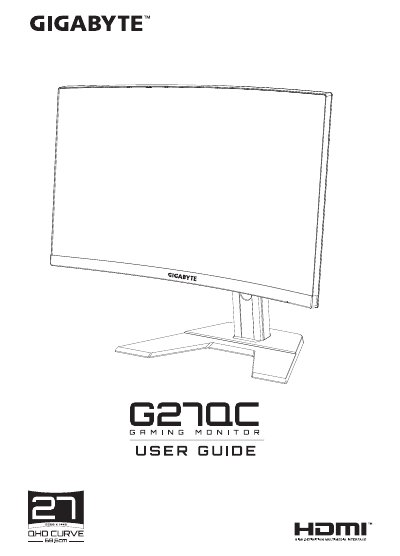
GIGABYTE G27QC LCD Monitor User Manual
This manual covers everything you need to know to safely install and use the G27QC 27‑inch LCD monitor, including unpacking, mounting options, connection methods and basic configuration. Detailed safety notices and regulatory information are provided at the beginning.
Later sections describe how to adjust the view angle, select input sources, use quick‑menu functions, and maintain the display. A full specifications table and supported timing list are included, along with troubleshooting tips and basic cleaning instructions. This manual is written in Chinese.
GIGABYTE G27QC specifications
| Panel Size | 27 inches |
|---|---|
| Resolution | 2560 x 1440 |
| Refresh Rate | 165 Hz |
| Response Time | 1 ms |
| Brightness | 250 nits (typical) |
| Contrast Ratio | 3000:1 (typical) |
| Power Consumption (max) | 70 W |
| Dimensions (with stand) | 700 × 481 × 248 mm |
| Weight | 6.33 kg |
All GIGABYTE G27QC documents by type
Day-to-day operation, settings and troubleshooting. Start here if the product is already set up.
Questions answered in these manuals
Why does the monitor have no power?
Make sure the power cable is correctly connected to both the power outlet and the monitor, and verify that the monitor is turned on.
What should I do if there is no image on the screen?
Check that the monitor and computer are properly connected and both are powered on, then select the correct input source.
What is the product name and model number of this monitor?
The product is an LCD monitor with the trade name GIGABYTE and model number G27QC.
What is the environmental-friendly use period for this device?
The product has an environment-friendly use period of 10 years under normal usage conditions.
What is the product name and model number of this monitor?
The product is an LCD monitor with the trade name GIGABYTE and model number G27QC A.
What class of digital device does this equipment comply with for FCC rules?
This equipment has been tested and found to comply with the limits for a Class B digital device.